Creating a productive home office environment is essential for anyone working from home, whether full-time or occasionally. A well-designed workspace can improve focus, reduce distractions, and boost overall job satisfaction. Here are some practical tips to help you set up a home office that supports your productivity and well-being.
Choose the Right Location
Find a Quiet Spot
Select a room or corner in your home that minimises noise and distractions. Ideally, it should be away from high-traffic areas like the kitchen or living room. If space is limited, consider noise-cancelling headphones to create a focused environment.
Consider Natural Light
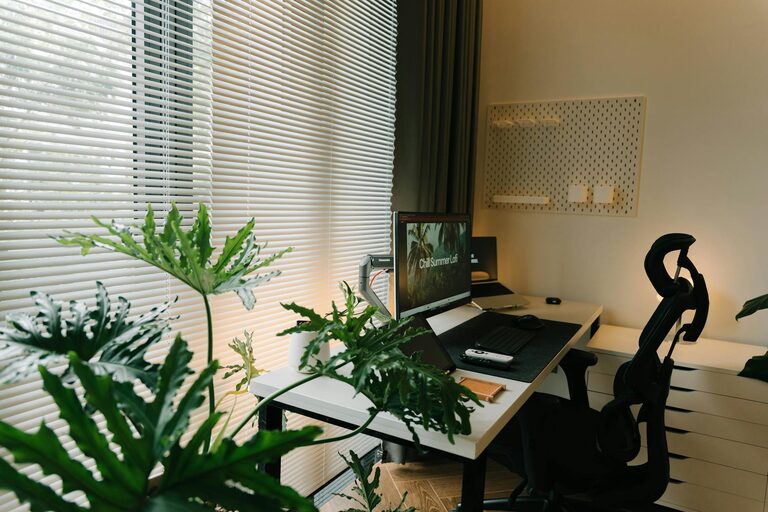
Good natural lighting can improve mood and reduce eye strain. Choose a spot near a window if possible. Position your desk so the light comes from the side rather than directly in front or behind your screen to avoid glare.
Invest in Comfortable and Functional Furniture
Ergonomic Chair and Desk
Comfort is key for long hours of work. An ergonomic chair with adjustable height and lumbar support helps maintain good posture and prevent back pain. Your desk should be the right height so your arms rest comfortably when typing.
Desk Space and Organisation
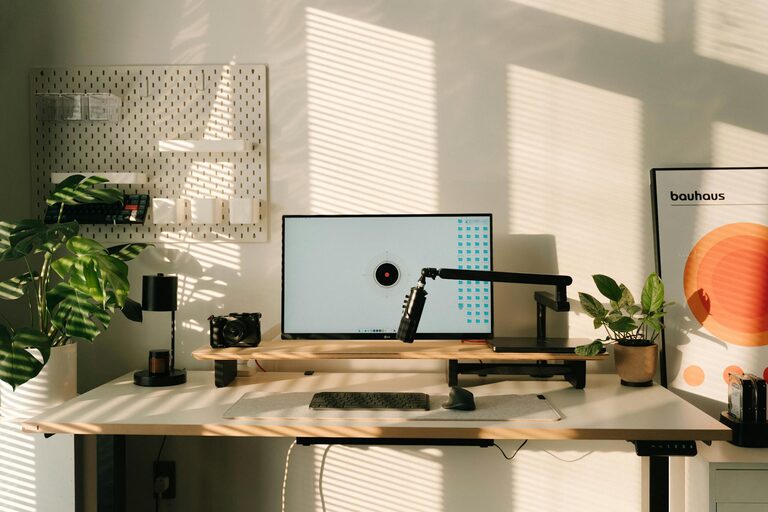
A clutter-free desk improves concentration. Choose a desk with enough surface area for your computer, documents, and any additional equipment you need. Add organisational tools like drawers, shelves, or desktop trays to keep supplies tidy.
Set Up Your Technology
Reliable Internet Connection
A fast, stable internet connection is crucial for uninterrupted work and virtual meetings. If your Wi-Fi is weak in your chosen office spot, consider using a Wi-Fi extender or a wired Ethernet connection.
Essential Hardware and Software
Ensure you have all necessary equipment such as a computer, printer, and headphones with a microphone. Use productivity software and apps like calendars, task managers, and note-taking tools to stay organised.
Create a Productive Atmosphere
Personalise Your Space
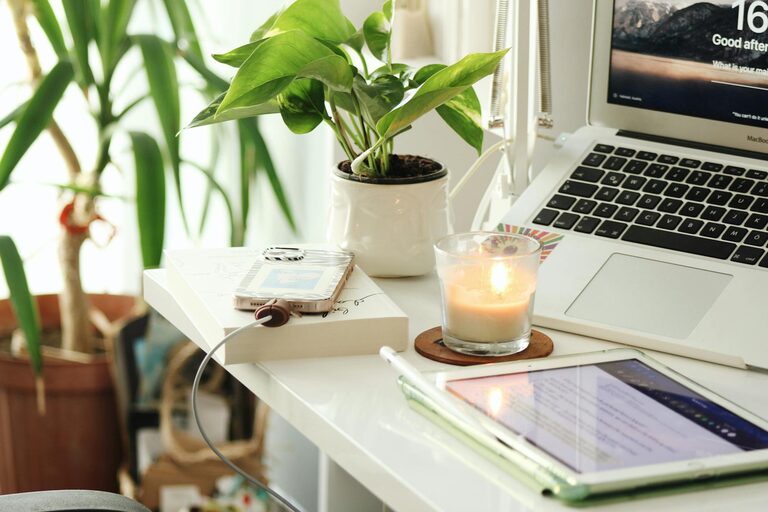
Add items that inspire and motivate you, such as plants, artwork, or photographs. A touch of personality can make the workspace feel more inviting.
Control Temperature and Air Quality
Aim for a comfortable room temperature, ideally around 20-22°C. Good ventilation helps maintain fresh air, which supports concentration and prevents fatigue.
Minimise Distractions
Turn off notifications on your phone or use apps that block distracting websites during work hours. Inform household members of your work schedule to reduce interruptions.
Develop a Routine
Set Clear Work Hours
Establish consistent start and finish times to create a sense of normality and balance. Use alarms or reminders to signal breaks and the end of the day.
Take Regular Breaks
Include short breaks every hour to stretch, move around, and rest your eyes. This helps maintain focus and reduces physical discomfort.
Organise Your Day
Plan your tasks the night before or first thing in the morning. Prioritise important projects and set realistic goals to maintain momentum.
Lighting and Screen Setup
Use Additional Lighting
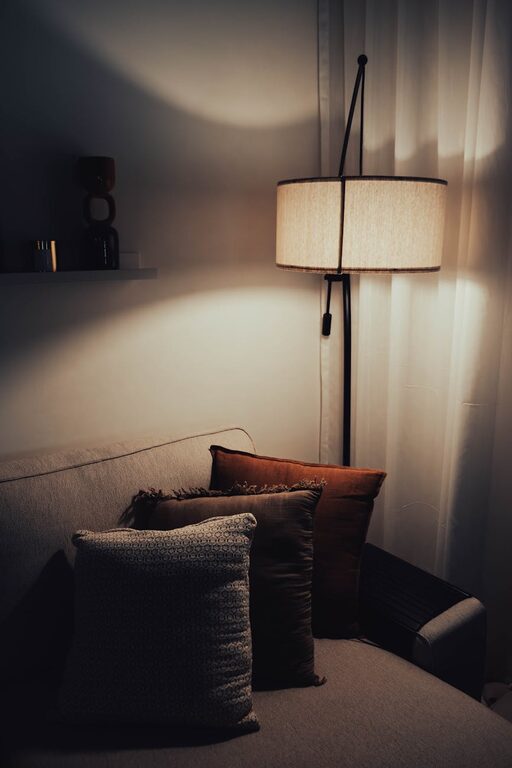
Even with natural light, desk lamps can help reduce eye strain, especially during darker months or in the evening. Adjustable lamps allow you to direct light where you need it most.
Position Your Screen Correctly
Place your computer screen at eye level, about an arm’s length away, to reduce neck strain. Using a monitor stand can help achieve the right height.
Maintain Good Habits
Keep Hydrated and Nourished
Have a drink bottle nearby and remember to eat balanced meals to maintain energy levels throughout the day.
Dress for Work
Wearing comfortable but work-appropriate clothes can help you feel more professional and focused.
End-of-Day Ritual
Create a simple routine to signal the end of work, such as tidying your desk or switching off your computer. This helps separate work time from personal time.
—
Setting up a home office that supports productivity doesn’t require a complete overhaul of your space. By focusing on comfort, organisation, and routines, you can create an environment that helps you do your best work every day. Take small steps and adjust your setup as you go along until you find the perfect balance for you.